 SummitGPX Help Centre
Route management
Public route pages
Publish and share the current course with runners.
The public route page is the link to share in race emails, on your website and in race instructions. Runners do not need a SummitGPX account to open a public route.
Publish and share
- Open the organiser route and review its name, map, profile and checkpoints.
- Set its visibility to Public when the course is ready.
- Expand Share and embed, choose the public-page layout and view, save the settings and copy its share link.
- Open that link in a signed-out browser and test the downloads.
- Share the link or route QR code with runners.
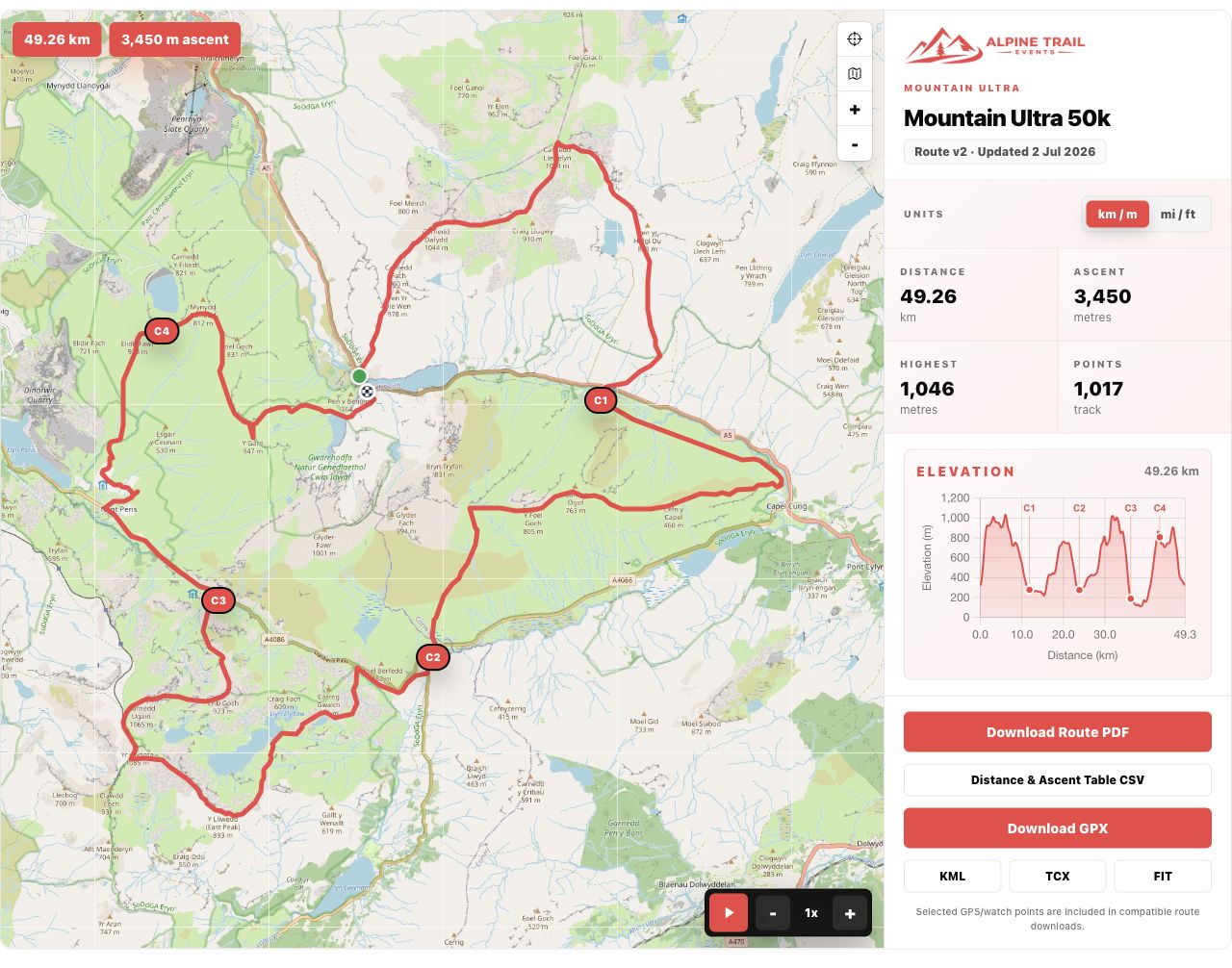
What runners see
The page presents the route map, start/finish, key metrics, profile and downloads. Checkpoints, playback, version information and extra export formats appear when supported by the organiser’s plan and route settings. See map controls and downloads.
Private and unavailable routes
Private routes remain accessible through authorised organiser tools, but public pages and embeds show an access message instead of the route. Keeping a link secret is not the same as making a route private. With the relevant branding feature, a short private-route message can explain when a course will be released.
A route can also become unavailable after preview expiry if it falls outside the continuing plan. Check account route choices if a previously working link stops showing the course.
Distance and elevation units
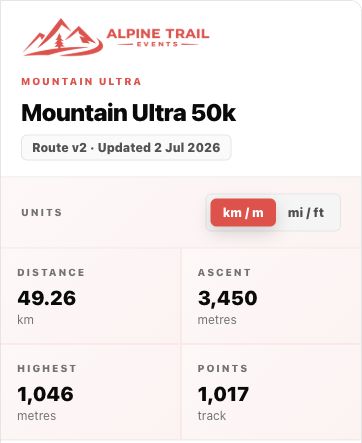
Set the organiser default and review which unit controls the page offers. See units and language for paired units and independent runner choices.
Check usage
With analytics access, Account Management shows route views, embed views and downloads over the last 30 days. These are activity counts, not proof that every runner has loaded the latest course.