 SummitGPX Help Centre
QR Codes
QR codes provide runners with quick access to route information, GPX downloads and route updates without needing to type web addresses or search through emails.
They are ideal for race packs, event signage, registration areas and checkpoints.
For background on how route files stay current, see How SummitGPX Processes GPX Files.
What are Route QR Codes?
Each route has a unique QR code that links directly to its route page. Public routes can be opened by runners; private routes remain restricted to authorised account users.
When scanned, runners can immediately access:
- Interactive route maps
- Elevation profiles
- Route statistics
- GPX downloads and other supported export formats
- Route updates
This helps ensure runners always have access to the latest route information.
Downloading a QR Code
To download a QR code:
- Open the route you wish to share.
- Locate the QR Code section.
- Click Download QR Code.
- Save the image to your computer.
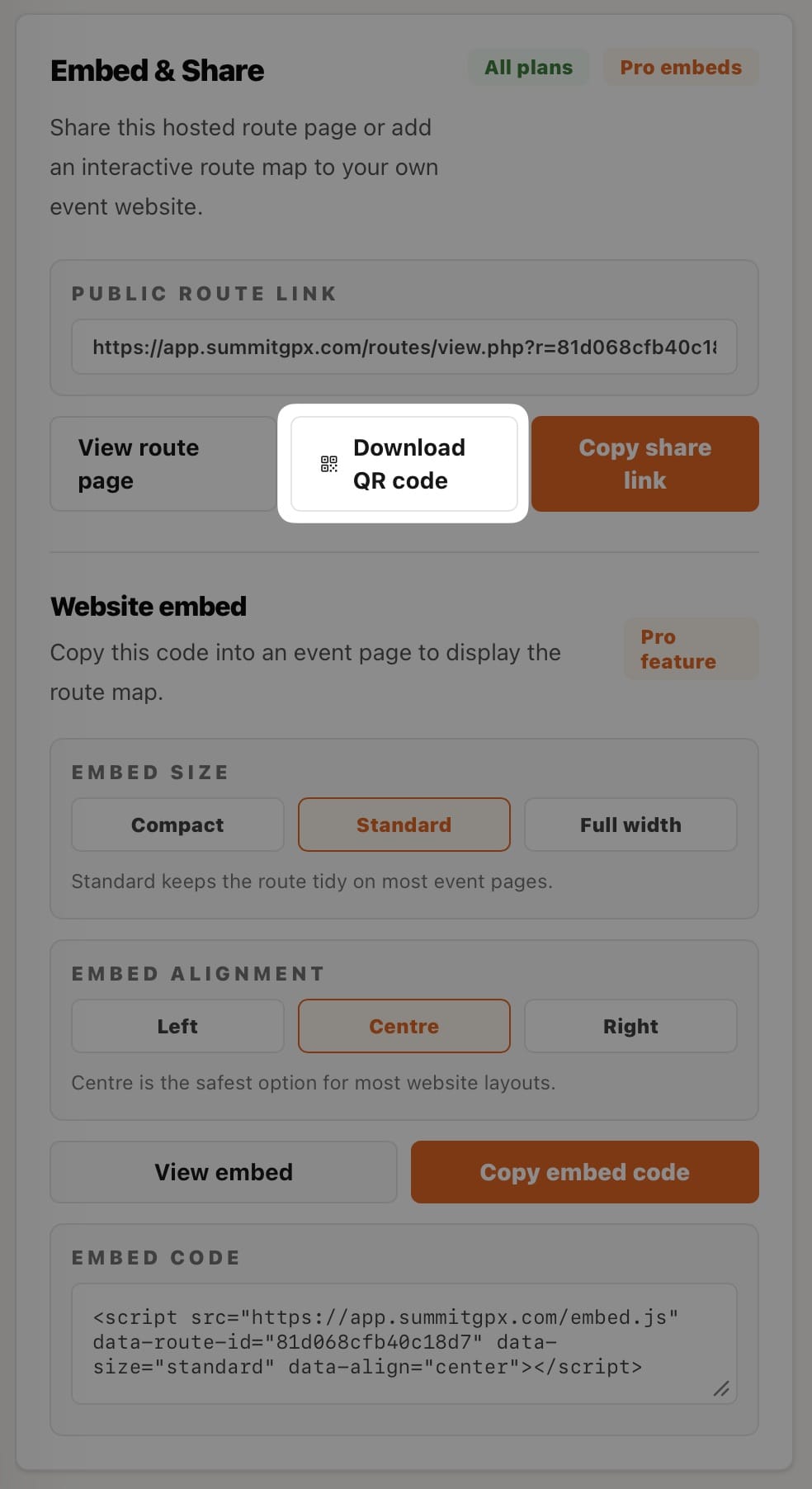
The QR code can then be used in printed and digital materials.
Branded QR Codes
SummitGPX QR codes include route information directly on the image, helping organisers identify the correct QR code before printing or sharing it.
This is particularly useful when managing multiple routes or events.
Route QR codes can display:
- Event name
- Route name
- SummitGPX branding
This reduces the risk of using the wrong QR code for an event.
Using QR Codes at Events
Many organisers use QR codes in:
- Race packs
- Event websites
- Registration desks
- Start lines
- Finish areas
- Checkpoint signage
- Event noticeboards
- Safety briefings
A simple scan gives runners immediate access to route information.
What Happens When a Route Changes?
One of the biggest benefits of SummitGPX QR codes is that they continue to work when routes are updated.
When a route is edited or a new GPX version is uploaded:
- Existing QR codes remain valid
- Runners are directed to the latest route version
- Updated GPX files become available automatically
- Route updates are displayed automatically
There is no need to generate or print new QR codes every time a route changes. See Updating Routes and the Typical Organiser Workflow for the organiser process.
Best Practice
To get the most from route QR codes:
- Include them in pre race communications
- Add them to printed race packs
- Display them at registration
- Position them near the start line
- Include them on event websites
- Encourage runners to scan them before race day
- Run the GPX Health Check workflow before widely sharing the route page
This helps reduce support queries and ensures runners always have access to the latest route information.
Troubleshooting
The QR code does not scan
Check that:
- The image has been printed clearly
- The QR code is not stretched or distorted
- There is sufficient lighting when scanning
- The printed size is large enough for mobile devices to read
The QR code route looks out of date
QR codes always point to the current public route page.
If route changes are not visible, confirm that the latest route version has been uploaded and published successfully.