 SummitGPX Help Centre
Getting started
Understanding route pages
Know which page to use for editing, sharing and embedding.
SummitGPX has an organiser management page and a runner-facing route page. Use the management page to make changes; share the public route link with runners.
The organiser page
Open a route from its event. The map sits beside panels such as Route Data, Elevation, Checkpoints, Split GPX files, Route Updates, Share and embed, Version History and Danger Zone. The tools shown depend on your account features. Use the outlined chevron on the right of a panel heading to expand it.
The main panels remember their state in the browser. Checkpoint More details and marker settings starts collapsed on a fresh page load and keeps your choice while you work on that page.
The public route page
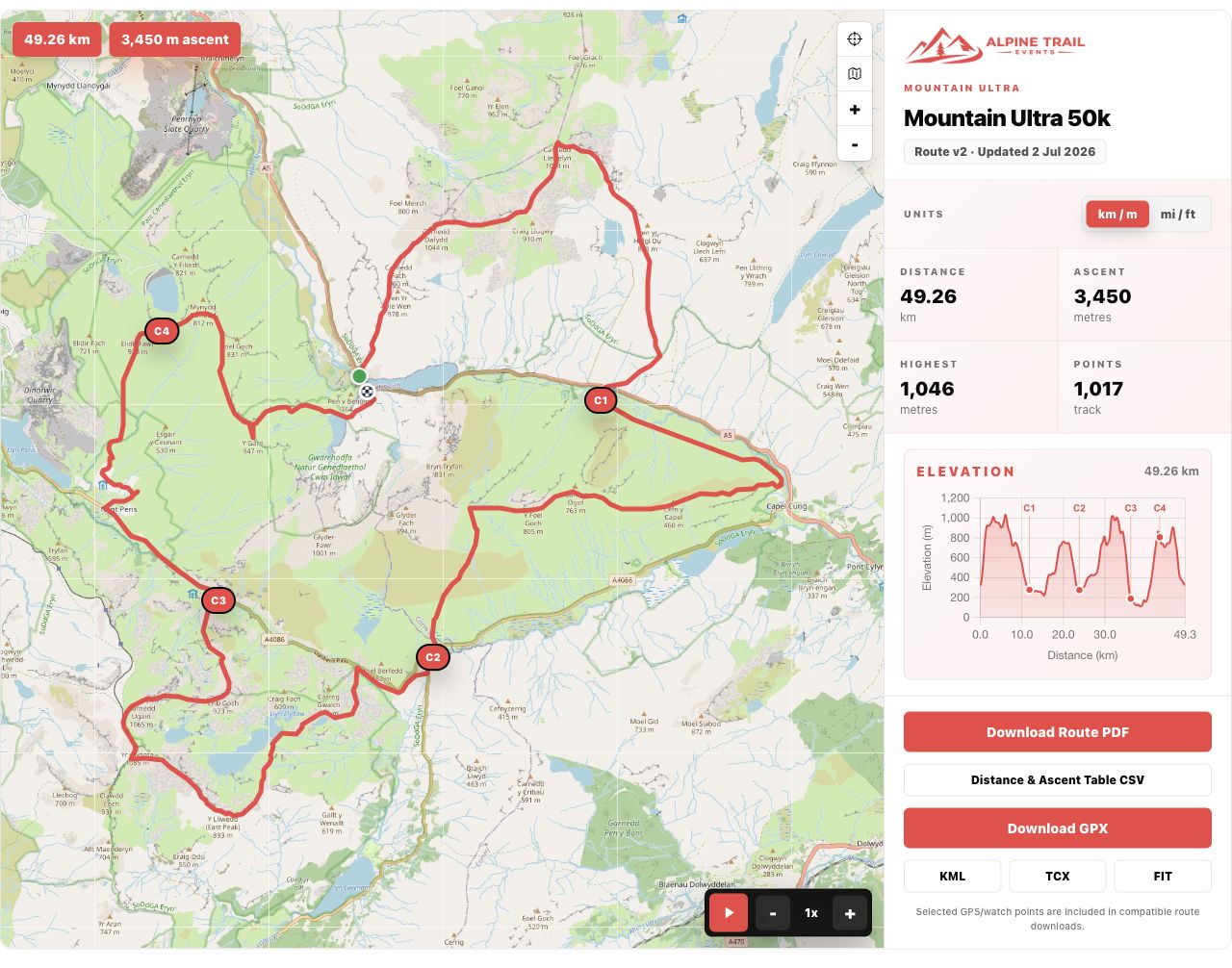
Runners can inspect the map, profile, route metrics and supported downloads without an account. Available controls depend on the route settings and organiser plan. A private or unavailable route shows a message instead of its course.
The website embed
An embed puts the same current course inside your event website. Copy the generated embed code; the public page URL itself is not a replacement for that code.