 SummitGPX Help Centre
Creating Your Account
Create an account when you are ready to host and manage official GPX routes for an event, race series or outdoor organisation.
Steps
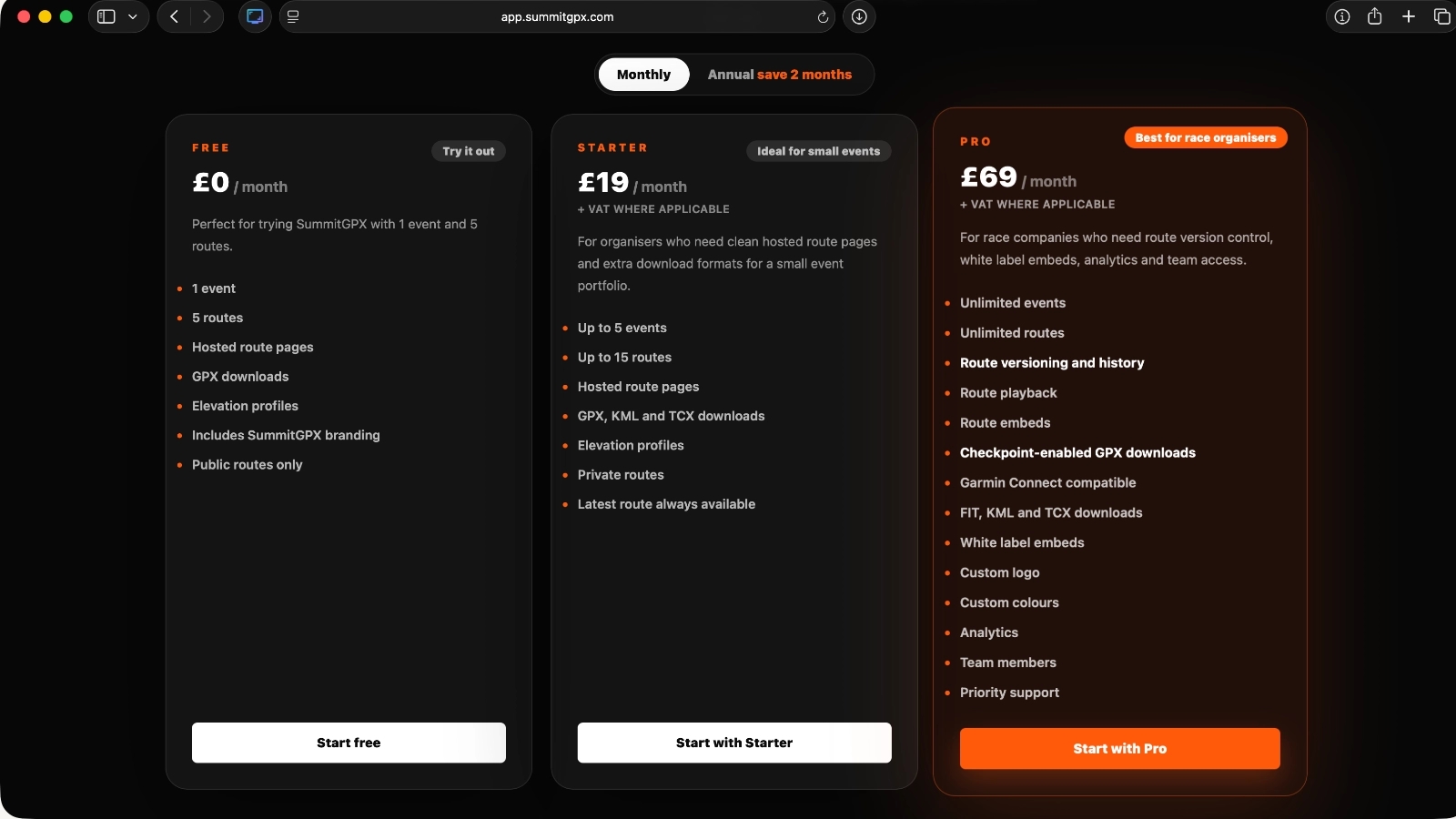
Visit the SummitGPX pricing page
https://app.summitgpx.com/pricing.phpapp.summitgpx.comReview the available plans and select the option that best matches your organisation's route management requirements.
Choose a plan
You can start with a smaller plan and upgrade later as your events and route library grow. Free is useful for trying SummitGPX, Starter adds private routes and route updates, and Pro adds version history, checkpoints, embeds, playback, analytics, white label branding and team members.
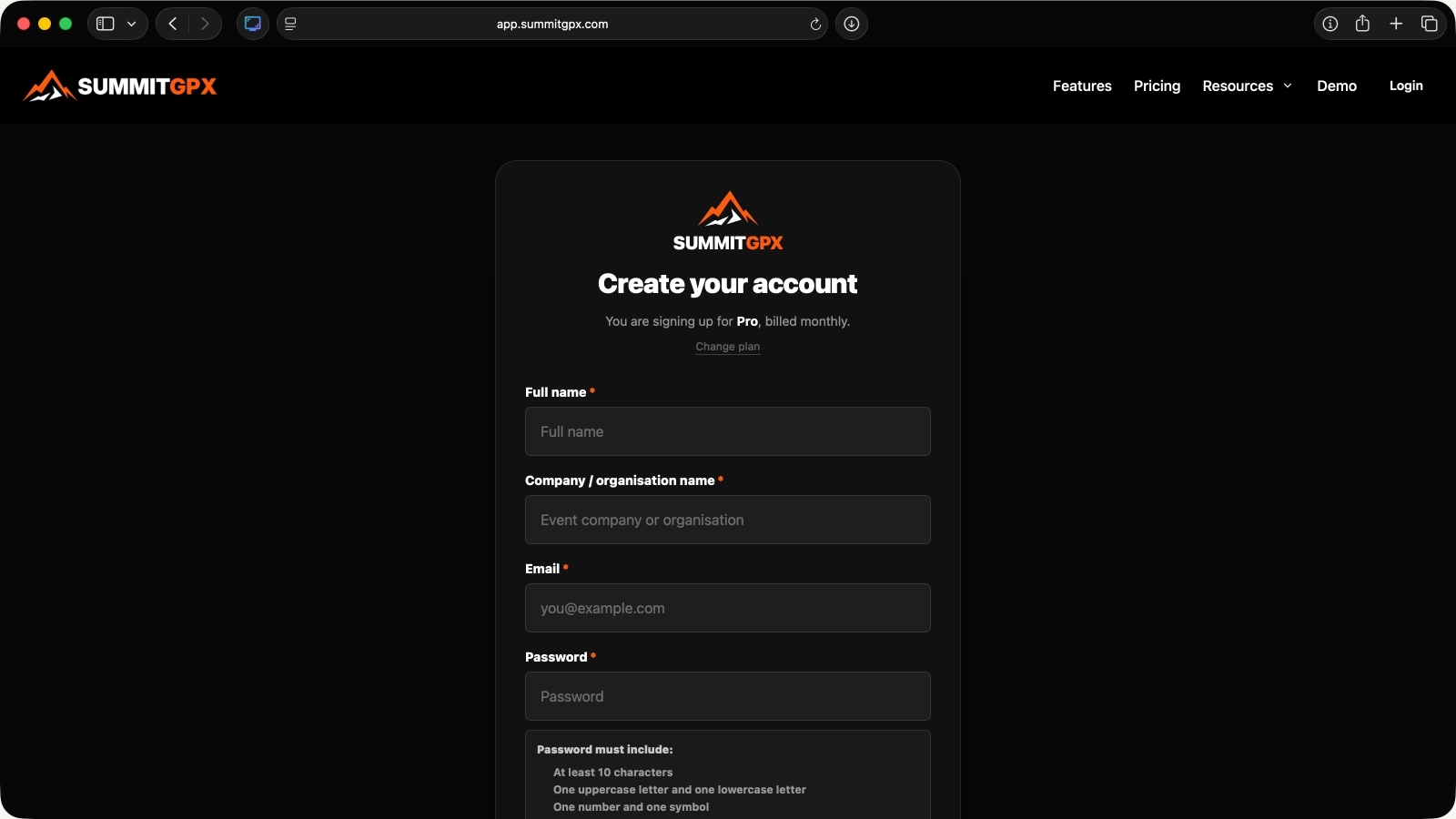
Create your account
Complete the registration form by entering:
- Your name
- Company/organisation name
- Email address
- Password
Then submit the form to create your account.
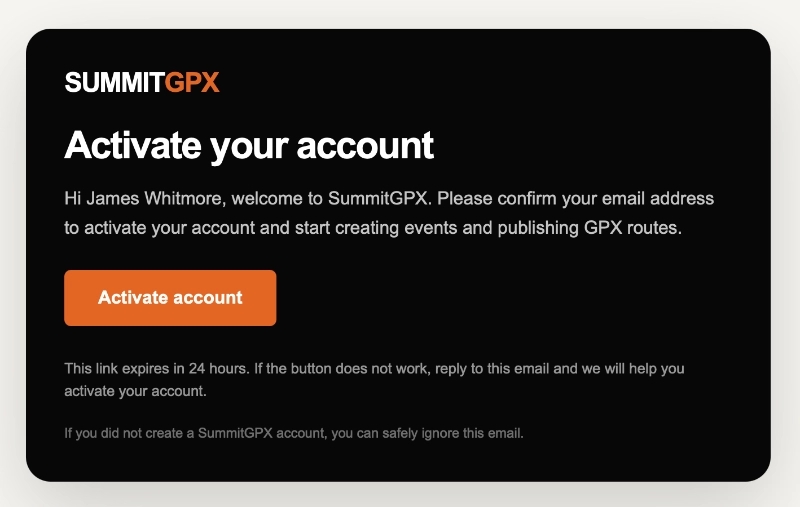
Activate your account
Check your inbox for the SummitGPX activation email.
Click the verification link to activate your account and complete the registration process.
If you cannot find the email, check your spam or junk folder.
Your account will be activated and you will be signed in automatically.
Free Plan
You will be taken directly to your SummitGPX dashboard.
Starter or Pro Plan
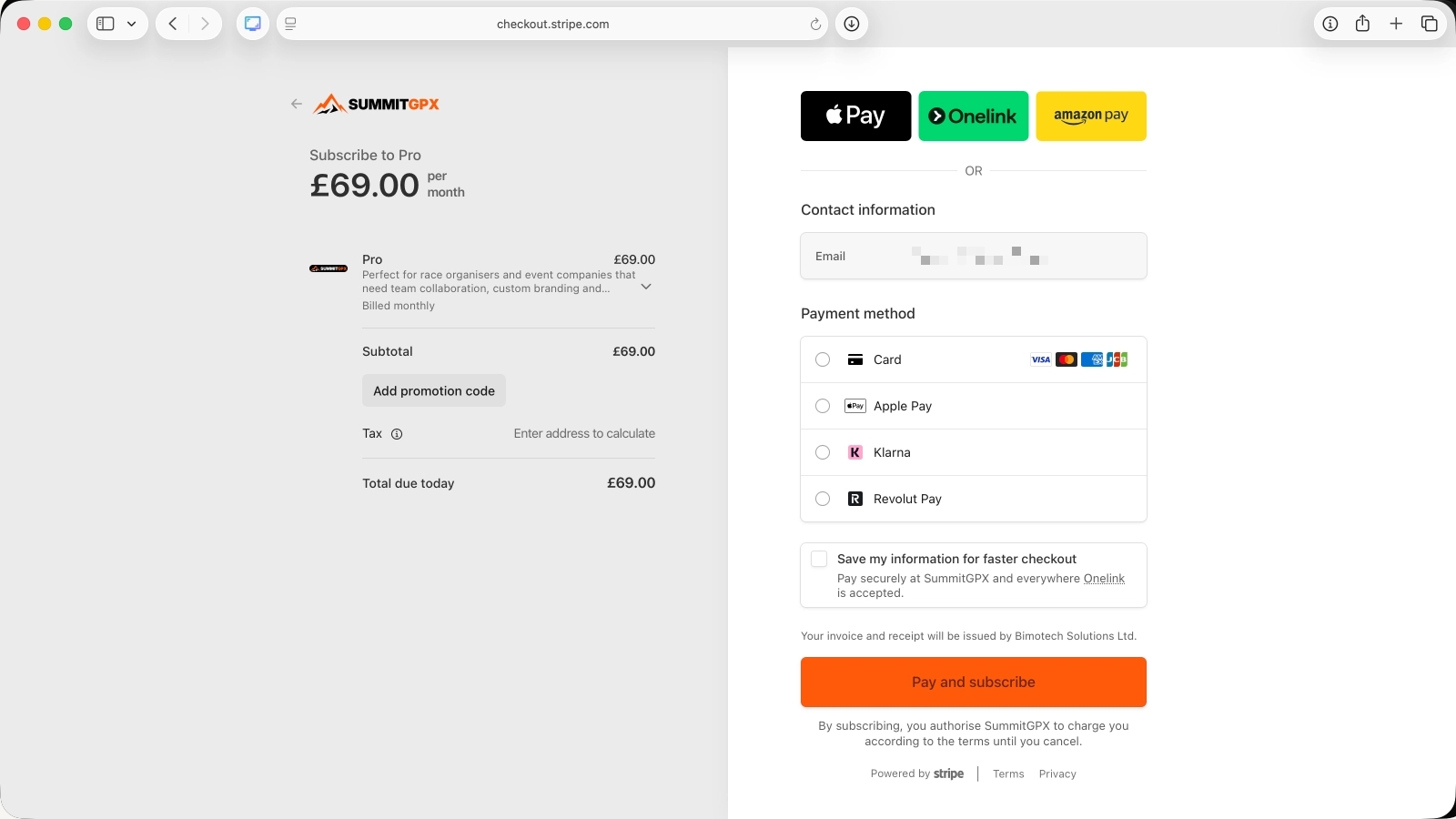
You will be redirected to Stripe Checkout to complete payment before accessing your dashboard.
Complete payment (Starter and Pro plans only)
If you have chosen a Starter or Pro plan, Stripe Checkout will open automatically.
Enter your payment details and complete the checkout process.
Once payment has been confirmed, you’ll be returned to SummitGPX.
Start using SummitGPX
You’re now ready to:
- Create your first event
- Import your first GPX, KML or FIT route
- Review route validation, elevation and downloads
- Generate route QR codes
- Share route pages with runners
If you are evaluating SummitGPX for a race series or organisation with multiple events, review Plans and Limits before choosing. You can change plans later from Account Management.